ATD, one tap away.
This address opens the demonstration. It does not connect to the private Windows fleet database. No real inspections, employee information or technical documents should be entered here.
iPhone
- Open https://fleet.allthedetailsmobile.com in Safari.
- Tap Share, then Add to Home Screen. If it is hidden, use Edit Actions.
- Enable Open as Web App if shown. Name it ATD Demo and tap Add.
- Tap the ATD icon on your Home Screen.
Windows / Microsoft Edge
- Open the same HTTPS address.
- Choose … → More tools → Apps → Install this site as an app, or use the address-bar install icon if available.
- Name it ATD Demo. Enable Create desktop shortcut if offered.
Your separately labeled ATD Fleet - Private Local shortcut opens the protected application on its original Windows computer.
Android / Chrome
Open the HTTPS address, choose ⋮ → Add to Home screen or Install app, then confirm. Available wording depends on the browser.
Open on your phone
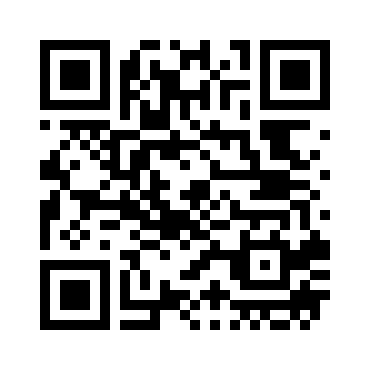
Connected production access remains pending
Installing an icon does not connect databases. The existing local application remains authoritative. Shared production access requires authenticated backend deployment and tested administrator, management and driver permissions. Local 127.0.0.1 is not a phone address. Offline content is a cached demo only.